





NapNapNapNap
AI listing guide

Shoot a few photos, say a few words, list on every platform

Photograph or film the product while you say the material, size, stock and price out loud. NapNap understands what you describe, builds the complete product record, and publishes it to marketplaces, resale and local selling platforms.

  • Photo
  • Video
  • Voice
Photo / video + voice · AI generated
Capture

Photo, video and voice: your phone is both the camera and the keyboard. Shoot and talk to capture images, details, material, size, stock and price.

Generate

AI builds the product record: title, selling points, hero images, variants and SKUs generated from what it sees and hears, all editable before you confirm.

List

Prepare once, list everywhere: once the product is in your catalog, publish it to marketplaces, resale and local selling platforms, with stock staying in sync.

Flow

Four steps from the product in your hand to selling everywhere

Shoot photos or video on your phone and talk as you go, let AI build the product record, then confirm it into your catalog and pick the channels to publish to.

  1. 1

    Photo, video + voice

    Scan the QR code to connect your phone, shoot the product, and say the material, size, condition, price and stock out loud.

    Listing · phone capture
  2. 2

    AI writes the product data

    The listing engine reads the footage and your voice, then generates the title, selling points, variants, SKUs, white-background hero and lifestyle images.

    Listing · listing engine
  3. 3

    Confirm and add to inventory

    Check the copy, price and SKUs in the editor; once confirmed, the product enters your inventory.

    Products · master catalog
  4. 4

    Publish everywhere in one click

    Tick the platforms you want. Fields adapt to each platform's rules, and stock stays in sync across them after publishing.

    Products · bulk listing
Interactive demo

Photo to crosslisting in four steps

This block is clickable. It mirrors the desktop Listing and Products modules: capture → AI generate → master catalog → one-click crosslist.

Connected · iPhone 15 (shop 4G)Latency 180ms
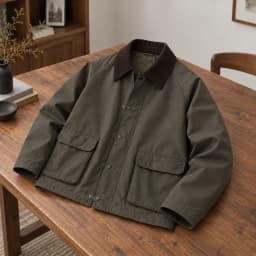
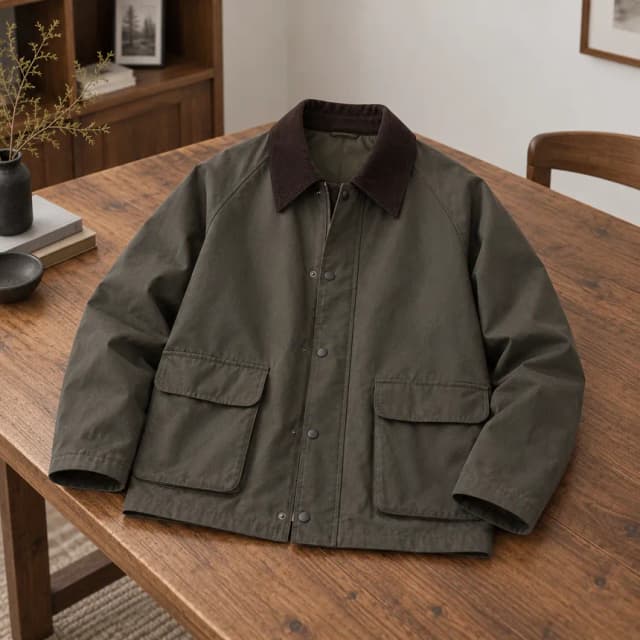
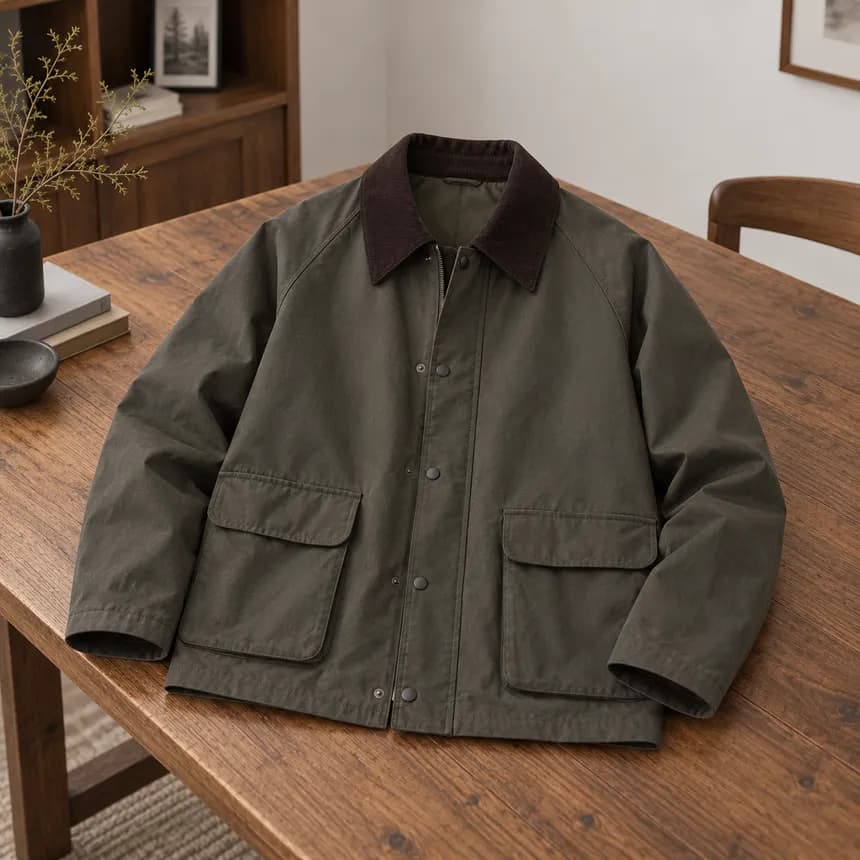
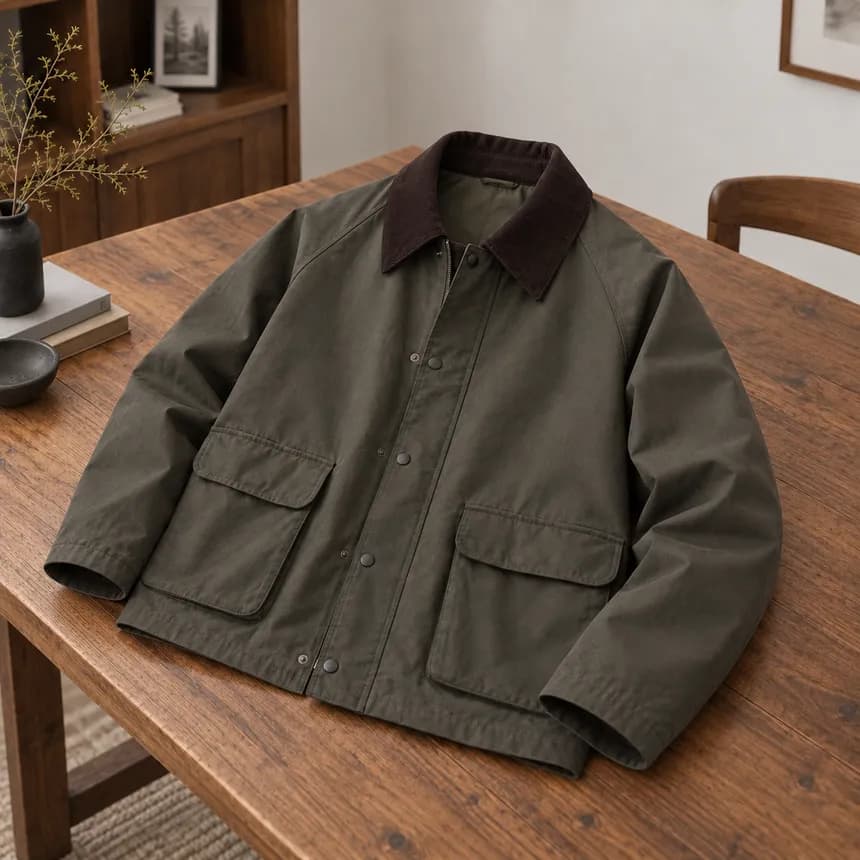
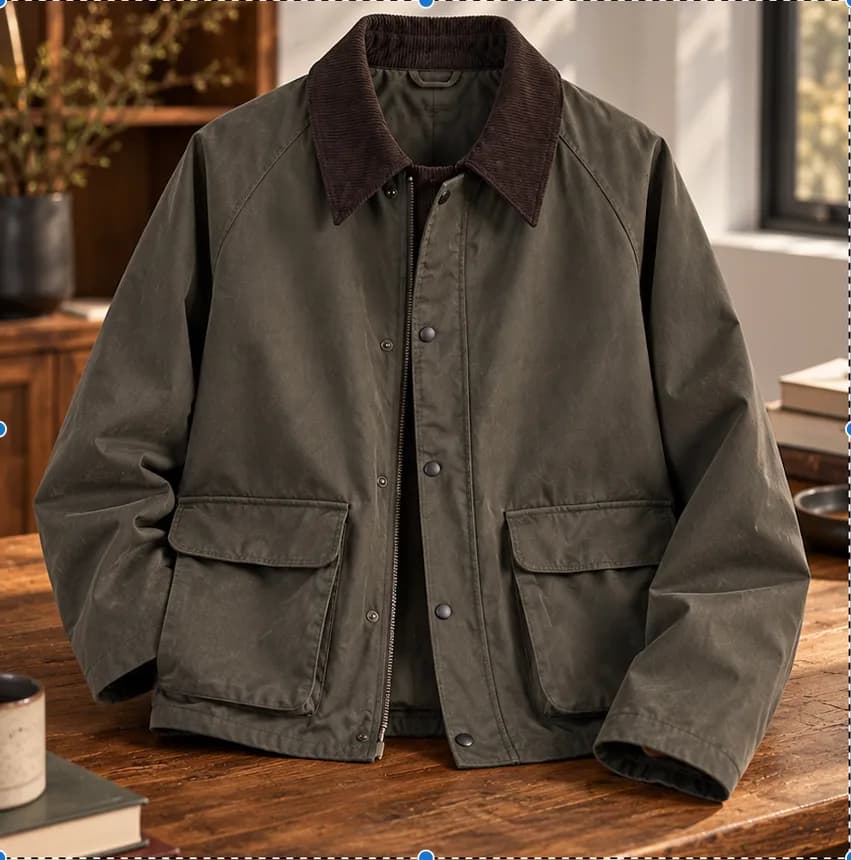
1 · Corduroy-collar field jacket23
Recording
Item 1 voice
Mic OK · 00:12
Photos of this itemOne product · up to 4: front + 3 angles0 / 4 photos
+
Clips of this item0 / 3 clips
Switch to Video and press the red button for a 6–15 s clip (up to 3)
Live captionsTranscribed as you describe this product
Start describing the product and captions appear line by line…
Phone capturePaired
Item 1 · 0 ph · 0 clipsLinked
Recording 00:12

On the phone, switch Photo / Video, press the shutter, tap Next item; the desktop on the left updates live. Captions describe the current product.

01Step 1 · Photo, video and voice capture

Scan a QR code and your phone becomes the capture device

Connect by scanning the desktop QR code with your phone. From the first press of the shutter you can keep talking about the product instead of stopping to fill in forms field by field. NapNap reads the photos, video and voice as one capture session and prepares the full data set for the product record.

Extracted from photos, video and voice together
MaterialSizeColorConditionPriceStockProduct details

Once capture is done, this information becomes the basis for generating the product images and completing the catalog record.

  1. 1

    Scan to connect your phone

    Scan the desktop QR code and your phone instantly becomes a portable capture device; everything you shoot streams back to the current workspace in real time.

  2. 2

    Start talking from the first photo

    Once you press the shutter you can keep speaking. Changing angles for detail shots or switching to video never interrupts your narration.

  3. 3

    Photos, video and voice understood together

    The system analyzes the product's appearance, its details in motion and what you said, picking up the key facts a single still image could never confirm.

  4. 4

    Turned into data ready for your catalog

    When capture ends, the key facts pass to the next step to generate the product images, title, description, variants and stock record.

Connected · iPhone 15 (shop 4G)Latency 180ms
1 · Corduroy-collar field jacket23
Recording
Item 1 voice
Mic OK · 00:12
Photos of this itemOne product · up to 4: front + 3 angles0 / 4 photos
+
Clips of this item0 / 3 clips
Switch to Video and press the red button for a 6–15 s clip (up to 3)
Live captionsTranscribed as you describe this product
Start describing the product and captions appear line by line…
Phone capturePaired
Item 1 · 0 ph · 0 clipsLinked
Recording 00:12

On the phone, switch Photo / Video, press the shutter, tap Next item; the desktop on the left updates live. Captions describe the current product.

Product
Original photosFrom phone
Original
AI-refined images
TikTok Shop
Written for TikTok Shop

Vintage Corduroy Collar Work Jacket, Men's Relaxed Crop, Olive

$ 49.9042 in stock
Categories
CategoryMen › JacketsStyleAmericanaMaterialWashed canvasOccasionCommute · Camping
Description

Your first fall jacket, sorted. The corduroy collar gives instant vintage vibes and olive goes with everything.

Fit: Relaxed, cropped and drop-shoulder, with room for a hoodie underneath.

Details: Zip plus snap placket and two big flap pockets for phone and keys.

Fabric: Washed cotton canvas that holds its shape and gets better with wear.

02Step 2 · AI generates the product data and images

Let AI turn raw capture into a finished product

NapNap reads your narration together with the photos and video: the stills show the look and the details, the video adds movement and extra angles, and your voice supplies material, size, condition, pricing and stock. From all of that AI produces a complete, editable product record, instead of guessing from a single image.

Title, selling points, description, category and attributes organized automatically
SKUs built from variants such as color and size, with price and stock carried through
White-background hero shots, detail shots and polished lifestyle images generated for you
Everything can be regenerated or edited item by item, and nothing is published automatically
03Step 3 · Confirm and add to inventory

Put the confirmed product into your master catalog and total stock

Once you have checked the AI-generated copy, images, price and variants, the product enters the master catalog. That is the single platform-independent record for it; total stock holds the real sellable quantity and becomes the one source of truth when you allocate across shops.

Edit the title, description, images, variants and SKUs one more time before saving
Enter or adjust the real total quantity and hold back safety stock
One master record maps to a different product ID and SKU on every platform
Listing, repricing and stock sync all start from here
Switch between master catalog, total stock and restock alerts
NapNap master catalogSelect products to crosslist in bulk
Master products49
Total stock2,162
Listed126
Broken mappings4
ProductSKUMaster stockListed on
1 selected
04Step 4 · List on multiple platforms

One product record, two ways to sell it across more channels

Pick your target shops and NapNap generates a version that matches each platform's fields, image specs and categories. New products are allocated against real stock; secondhand items are cross-listed as a single unit. Both modes stay trackable from one workspace.

Pick one or more products from the master catalog and tick the target shops
Title length, image specs, attributes and categories adapt to each platform's rules
Publishing progress shows per platform, and failures can be fixed and retried individually
Orders, stock and listing status all come back to the same workspace
Mode A · New products / marketplaces

Allocate real stock across multiple shops

For sellers holding multiple units of a new product. Split your total stock across TikTok Shop, Amazon, Shopify and more according to your sales plan, and keep the sellable quantity in sync on every channel.

  • For example, 200 units split into 40, 60 and 100
  • Shop stock updates after every sale or transfer, reducing the risk of overselling
  • See the live quantity on every platform and every shop at any time
Mode B · Secondhand / one-of-a-kind

Cross-list one item; a sale anywhere delists it everywhere

For secondhand items where you only have one unit. Publish once to eBay, Mercari, Poshmark, Depop, Vinted and Facebook Marketplace to widen exposure without ever selling the same item twice.

  • When it sells on one platform, the same item is delisted automatically everywhere else
  • Track offers and negotiations from different resale platforms in one place
  • Channel mapping keeps each platform's product ID, SKU and status
Marketplaces & brand channelsResale & local selling platforms
Shopify
TikTok Shop
Amazon
SHEIN
Temu
Etsy
Walmart
eBay
Poshmark
Facebook Marketplace
Mercari
Depop
Vinted
Corduroy-collar field jacket$54 · 12 SKUPublishing · 0 / 13

Covers marketplaces, branded storefronts, resale and local selling platforms. Exact publishing rules and final review outcomes are determined by each third-party platform.

FAQ

Just open AI Listing on the desktop app and scan the QR code with your phone. Put the product somewhere with even lighting, and have the material, size, condition and stock figures ready.

The system understands the product's appearance, its details in motion and what you said as one input, then produces the title, selling points, attributes, variants, SKUs and product images.

No. Results land in an editable state first. Only once you have confirmed the title, images, price, variants and stock does the product enter your catalog and move into the multi-platform listing flow.

Marketplaces and brand channels include Shopify, Amazon, TikTok Shop, SHEIN, Temu, Etsy and Walmart; resale and local selling platforms include eBay, Mercari, Poshmark, Depop, Vinted and Facebook Marketplace.

Yes. Title, selling points, images, price and SKUs can all be changed in the editor, and nothing is saved to the catalog until you confirm.

Yes. Stock stays in sync across platforms after publishing, and a sale anywhere deducts stock everywhere else.